Free Quote Image Generator — Create & Download Quote Images
Beautiful quote images in seconds – Get inspired by these examples
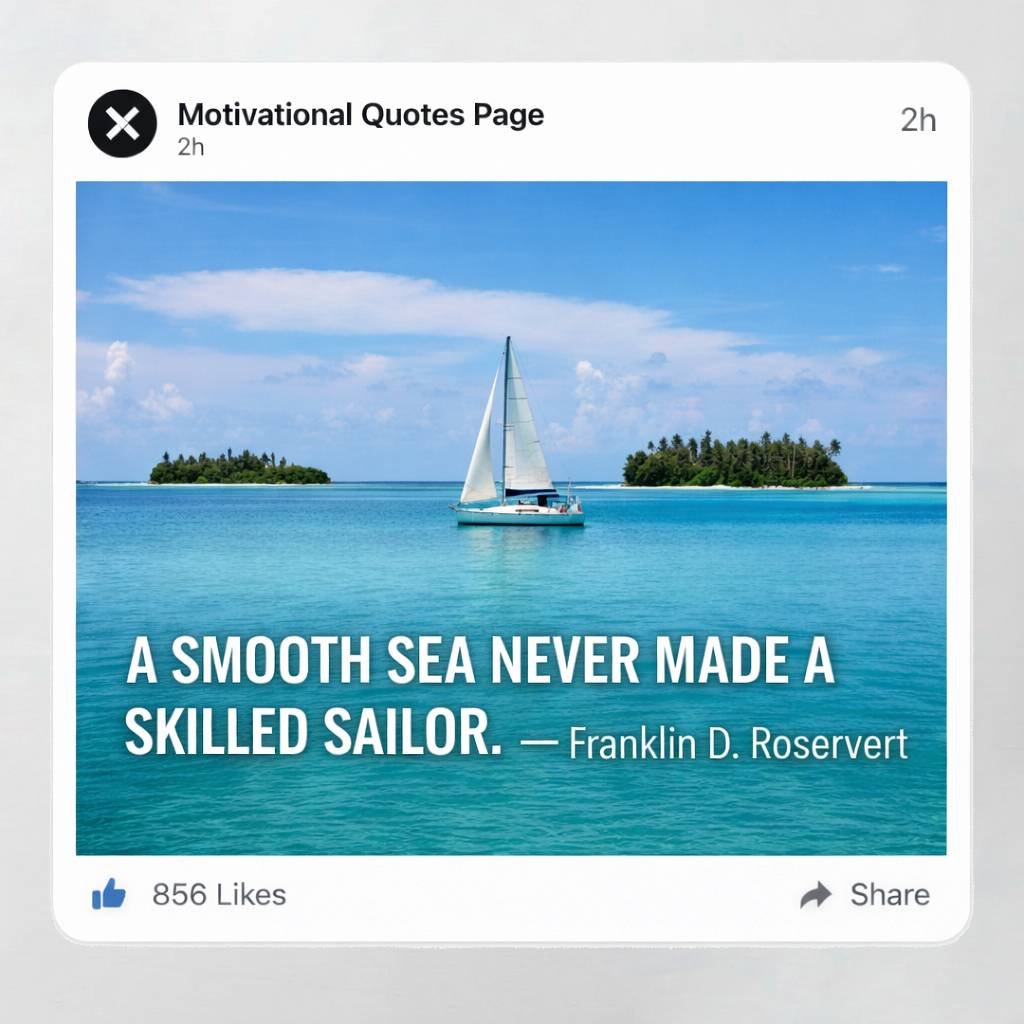
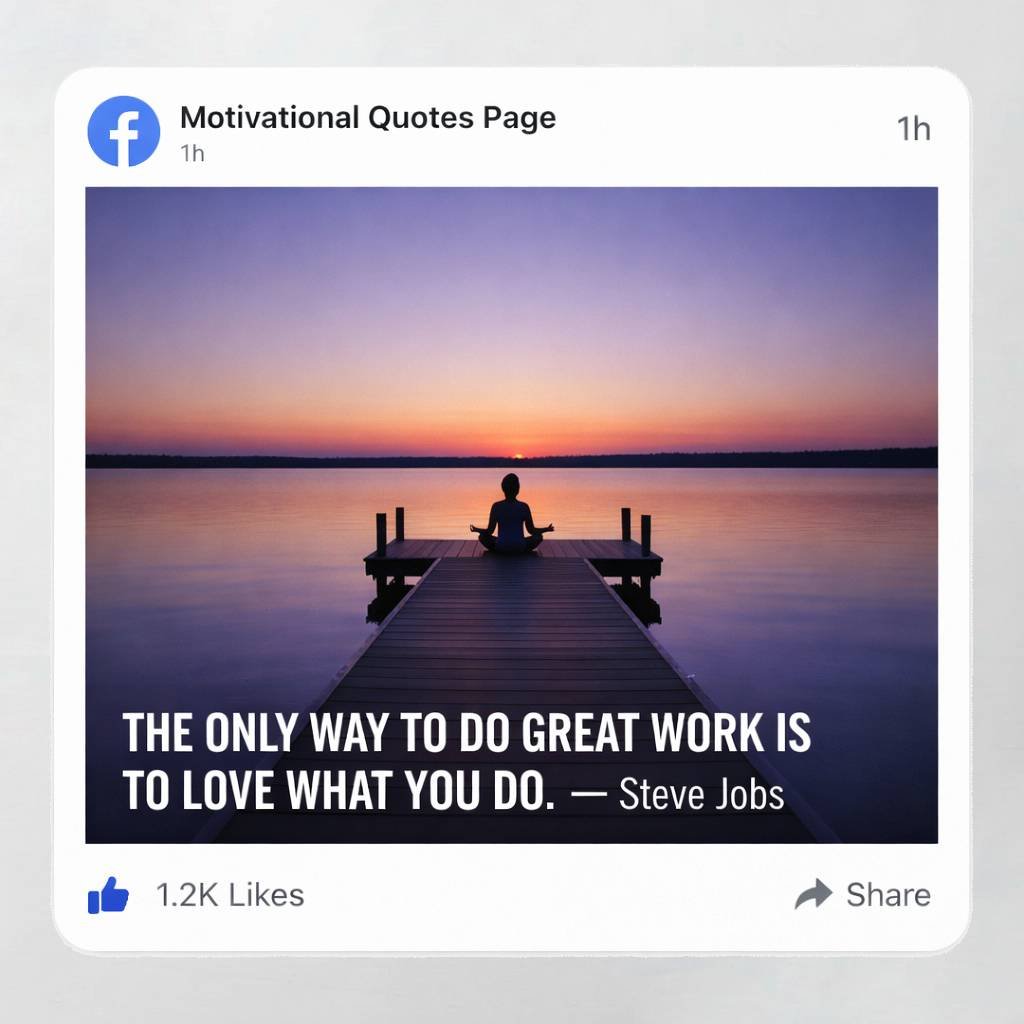
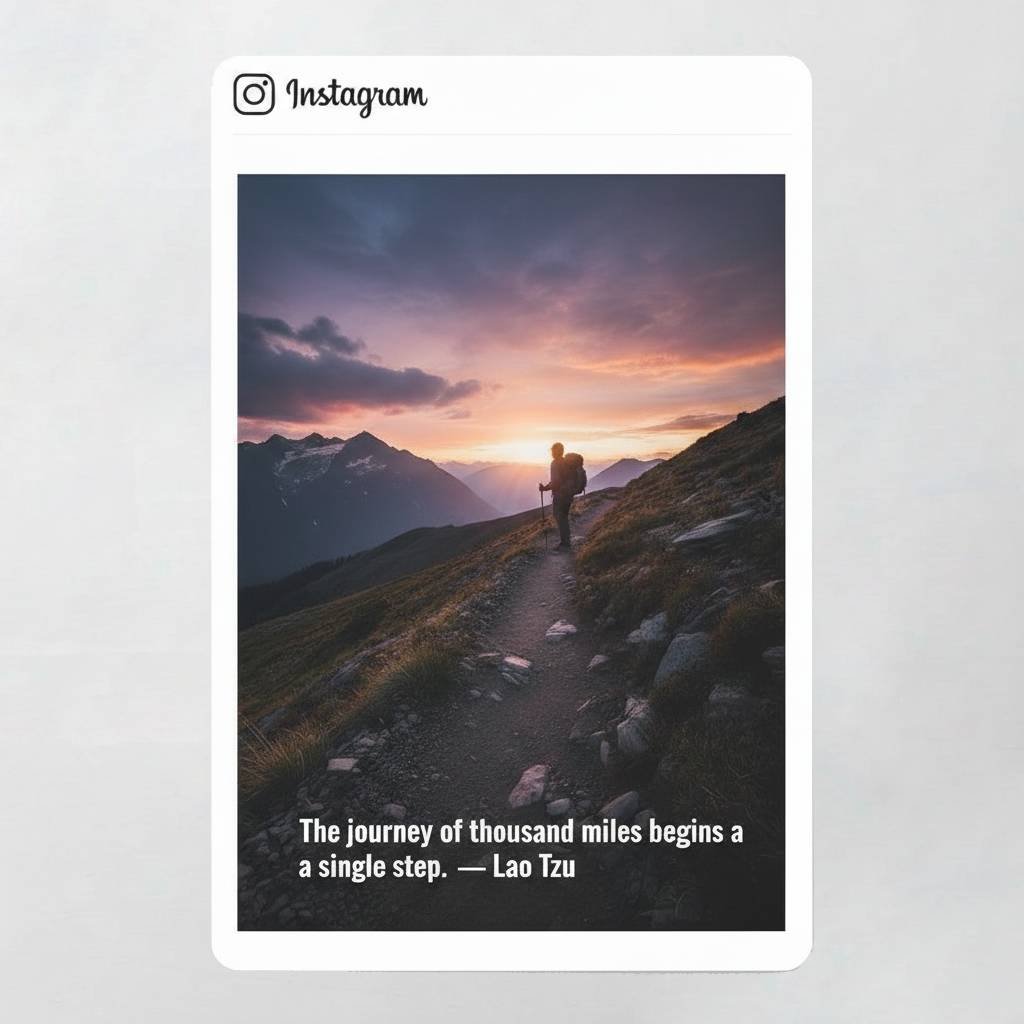
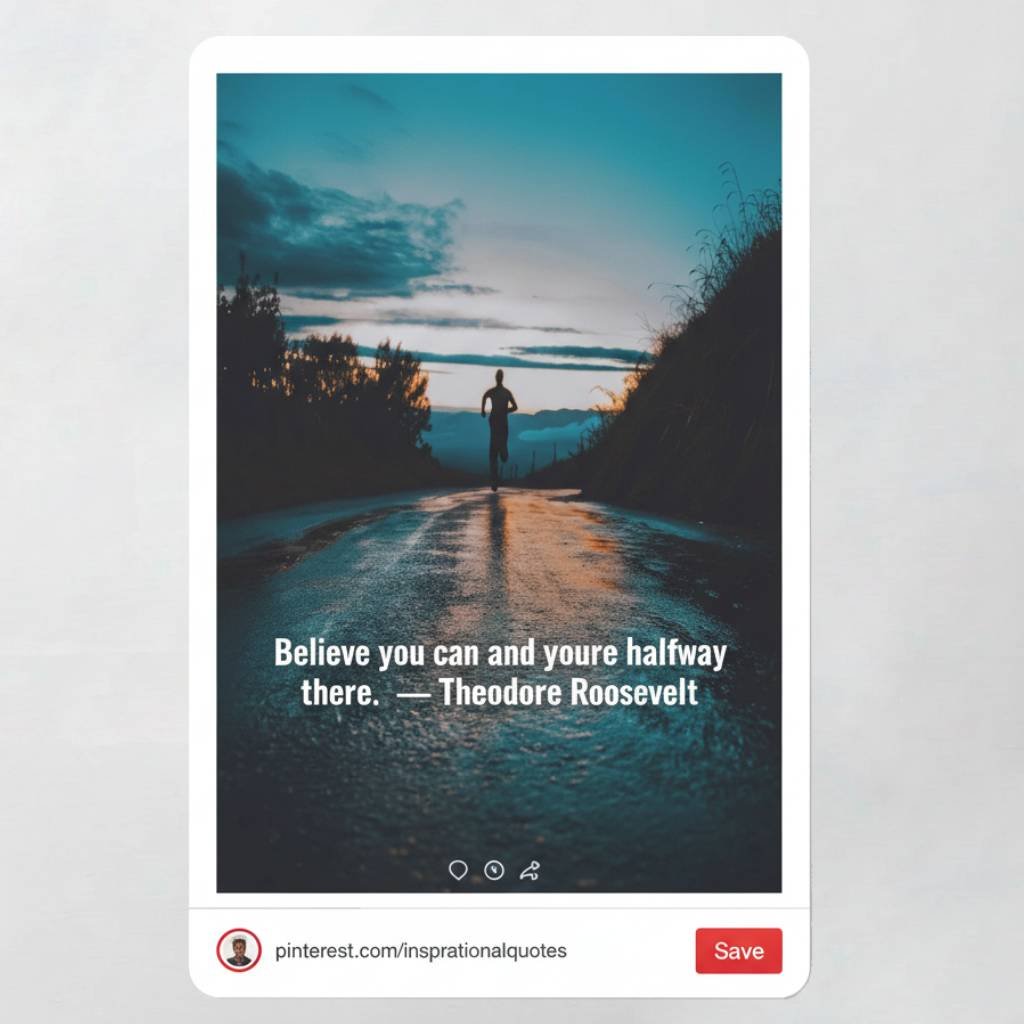
Step by Step Guide
Create a Quote Image in 6 Easy Steps
Ready in under 60 seconds — no design skills needed
Type Your Quote
Enter your quote text in the Text 1 tab. Add an author name below the quote for proper attribution.
Choose a Background
Upload your own image or browse free Unsplash photos. Apply blur, gradient, or duotone effects.
Pick Font & Color
Choose from 20+ fonts and customize color, size, and spacing to perfectly match your style.
Select Canvas Size
Pick the right format — Instagram, Pinterest, YouTube, Facebook, Twitter, or custom dimensions.
Add Logo or Watermark
Brand your images by uploading your logo or adding a text watermark with your social handle.
Download Your Image
Click Download to save your high-resolution quote image instantly — free, no account needed.
✨ Quote Image Creator
Create stunning quote images with professional styling
- • Always visible on top of Text 1 (Quote/Author)
- • Tap ✋ Move Text to freely drag this layer on canvas
- • Use two fingers to pinch and resize this text
- • Switch to Text 1 tab to edit/drag the main quote
- • Normal text → Color
- • Wrap with *asterisks* → Bold Color
- • Wrap with _underscores_ → Accent Color (quote only)
- • Example: The *brave* and the _bold_
- • Instagram Square works best for feeds
- • 9:16 is perfect for Stories and Shorts
- • YouTube 16:9 is ideal for thumbnails
- • Choose format before designing for best results
- • Lower brightness for dark moody images
- • Boost contrast to make text pop
- • Set saturation to 0 for a custom B&W look
- • Combine with Vignette (in Background tab) for cinematic results
Got Questions?
Frequently Asked Questions
Everything you need to know — answered
Is the Quote Image Generator completely free?
Yes, 100% free. No hidden charges, no subscription, no account required.
Can I use these images on social media?
Absolutely. Images are created for Instagram, Pinterest, Facebook, Twitter, YouTube and more.
Do I need design experience to use this tool?
No. The tool is designed for beginners. Just type, customize, and download.
Can I upload my own background photo?
Yes. Upload any image as your background or choose from our free Unsplash photo library.
Will there be a watermark on my downloaded image?
No. Your downloaded image is clean unless you add your own logo or text watermark.
Does it work on mobile?
Yes. The tool is fully responsive and works on Android and iPhone browsers.
Free Quote Image Generator
Start Creating
Quote Images
Today
Join thousands of creators who design stunning quote images every day — for Instagram, Pinterest, Facebook and more.